 BubbleJournal
Move your divelogs.de logbook to BubbleJournal
Updated October 19, 2026
divelogs.de keeps your logbook online. Export it once and every dive comes across into BubbleJournal, beside the dives you download from your dive computer, on the web and on your phone.
How to move them
- On divelogs.de, sign in, open the Export Logbook page and choose DLD Export of your logbook. The file it saves ends in .dld.
- In BubbleJournal, open Import dives and choose the file.
BubbleJournal reads .dld and .divelogs and .udcf files, many at once or as a zip, and keeps each exactly as uploaded.
What comes across
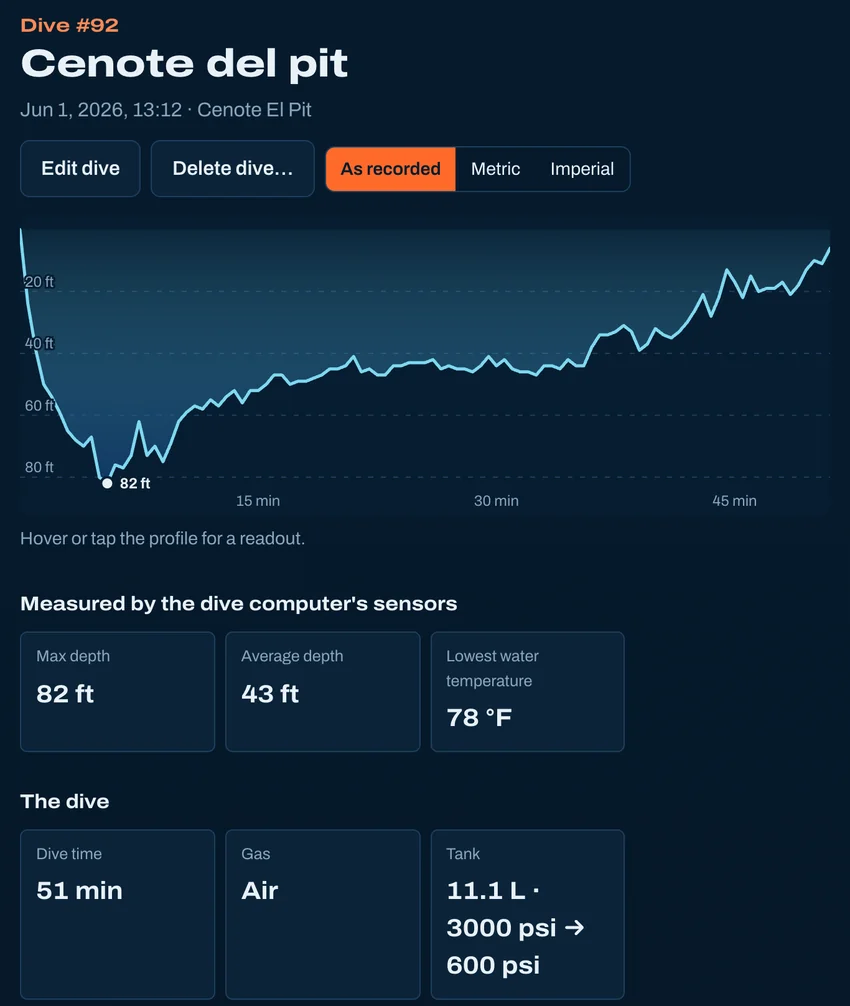
- Every dive, with its depth profile, deepest and average depth and water temperature
- The tank: size, oxygen and start and end pressures, so dives show their air consumption (SAC)
- The location and site, with its GPS position, and your notes
What doesn't
- Buddy and weather stay in the file, which is kept exactly as uploaded.
- Pictures you added on divelogs.de.
Other ways to bring dives in
- From Subsurface
- From MacDive
- From a spreadsheet
- From UDDF
- From a paper logbook
- Straight from your dive computer
Moving from another logbook · Keep your dives in BubbleJournal, free