 BubbleJournal
Import a dive log spreadsheet (CSV) into BubbleJournal
Updated October 19, 2026
A dive log kept in Excel, Numbers or Google Sheets comes across as it is: one row per dive, with a header row naming the columns, in any order. For example:
date,time,site,maxdepth,duration,temp,notes
2024-06-14,09:30,Palancar Gardens,18.5,48,26,First dive of the trip
2024-06-14,13:45,Colombia Shallows,12,55,27,Turtle at the safety stop
Depths are read as metres and temperatures as °C, unless the column name says otherwise, such as maxdepth (ft) or temp (F). Duration can be minutes (48) or minutes and seconds (48:00).
How to move them
- Make sure the first row names the columns: date and either maxdepth or duration at least.
- Save or download the sheet as CSV (comma-separated values). In Google Sheets: File, Download, Comma-separated values.
- In BubbleJournal, open Import dives and choose the file.
BubbleJournal reads .csv and .tsv files, many at once or as a zip, and keeps each exactly as uploaded.
What comes across
- Date and time (2024-06-14, or 14.06.2024 and 06/14/2024: the file decides which way round)
- Deepest and average depth, length and water temperature
- The site, a title and your notes
What doesn't
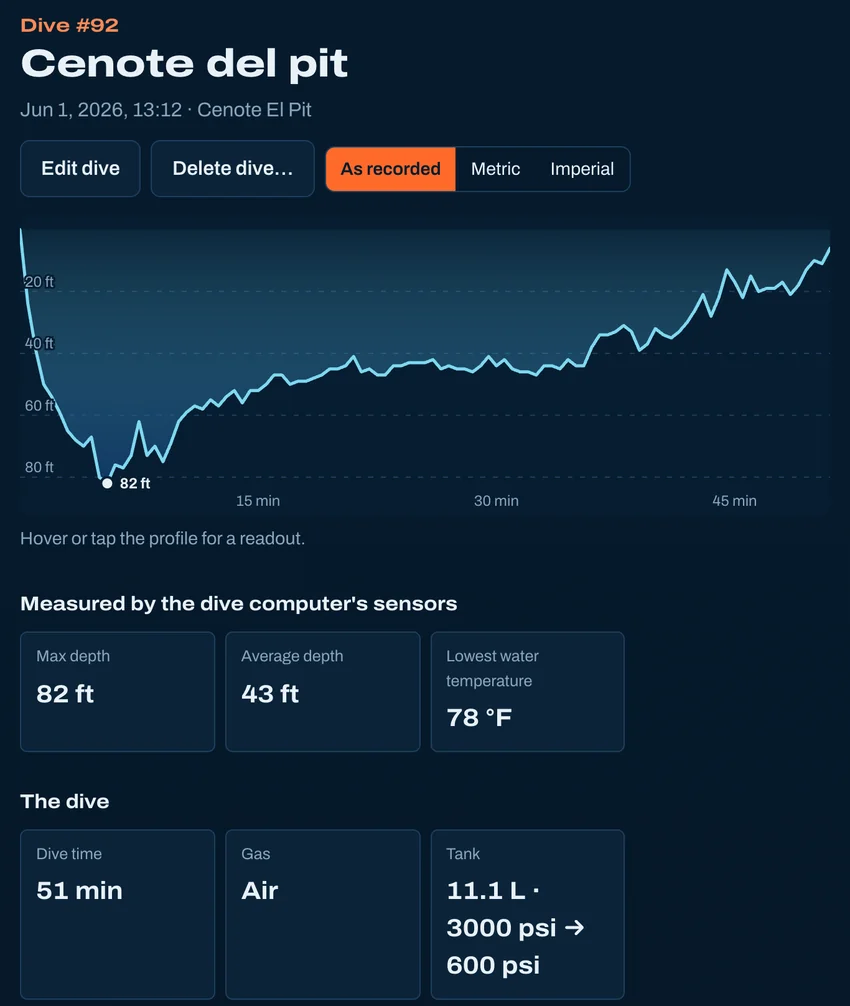
- A spreadsheet has no depth profile, so its dives show no profile, NDL or tissue loading.
- Other columns, such as buddy or suit, stay in the file, which is kept exactly as uploaded.
Other ways to bring dives in
- From Subsurface
- From MacDive
- From UDDF
- From divelogs.de
- From a paper logbook
- Straight from your dive computer
Moving from another logbook · Keep your dives in BubbleJournal, free