 BubbleJournal
Import UDDF dive logs into BubbleJournal
Updated October 19, 2026
UDDF, the Universal Dive Data Format, is the exchange format many logbook programs and dive computer apps export. If yours offers it, every dive in the file comes across into BubbleJournal, whichever program or computer it came from.
How to move them
- In your logbook program, export the dives as UDDF. The option is usually under File, Export.
- In BubbleJournal, open Import dives and choose the .uddf file.
BubbleJournal reads .uddf files, many at once or as a zip, and keeps each exactly as uploaded.
What comes across
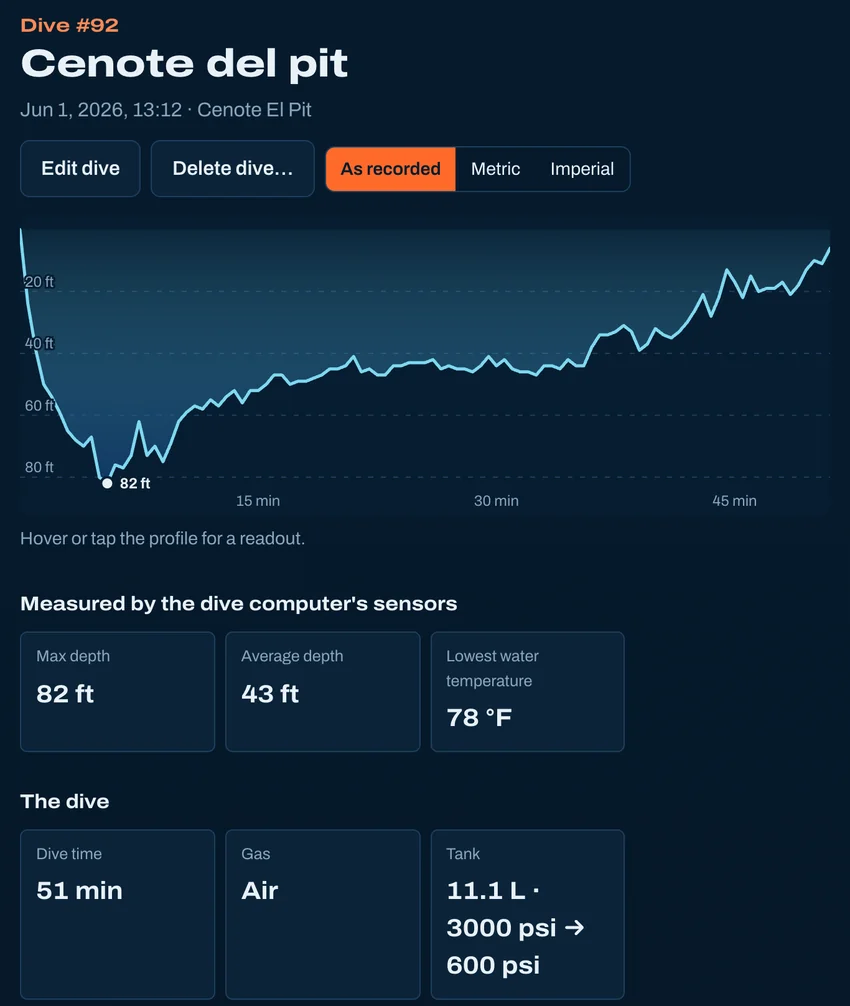
- Every dive, with its depth profile and water temperature
- Gases and gas switches, and on a rebreather the setpoint and oxygen sensors
- Tanks: size, gas and start and end pressures, so dives show their air consumption (SAC)
- The computer's own NDL, deco stops, time to surface and CNS
- Dive sites with their name and GPS position, and your notes
- Which dive computer recorded each dive
What doesn't
- Buddies, equipment and the other parts of a UDDF file beyond the dives stay in the file, which is kept exactly as uploaded.
- Photos are not part of the file.
Other ways to bring dives in
- From Subsurface
- From MacDive
- From a spreadsheet
- From divelogs.de
- From a paper logbook
- Straight from your dive computer
Moving from another logbook · Keep your dives in BubbleJournal, free