 BubbleJournal
Move your paper dive logbook to BubbleJournal
Updated October 19, 2026
Years of dives in a paper logbook don't have to stay on paper. Type in the ones you want to keep the details of, and count the rest, so your dive numbers carry on from where the paper logbook stopped.
How to move them
- To keep a dive's details, open the Logbook and choose Log a dive. Enter the date, time, dive time and depth, and anything else you wrote down.
- To count dives without typing them in, open Your account and enter the number under Dives logged before BubbleJournal. Dive numbers then start after them.
- Kept the logbook in a spreadsheet instead? Import it as a file.
What comes across
- Date, start time, dive time, deepest and average depth and water temperature, in metric or imperial
- The gas, with oxygen and helium
- The dive site, picked from your sites on the map
- A title, your buddy, a rating and your notes
What doesn't
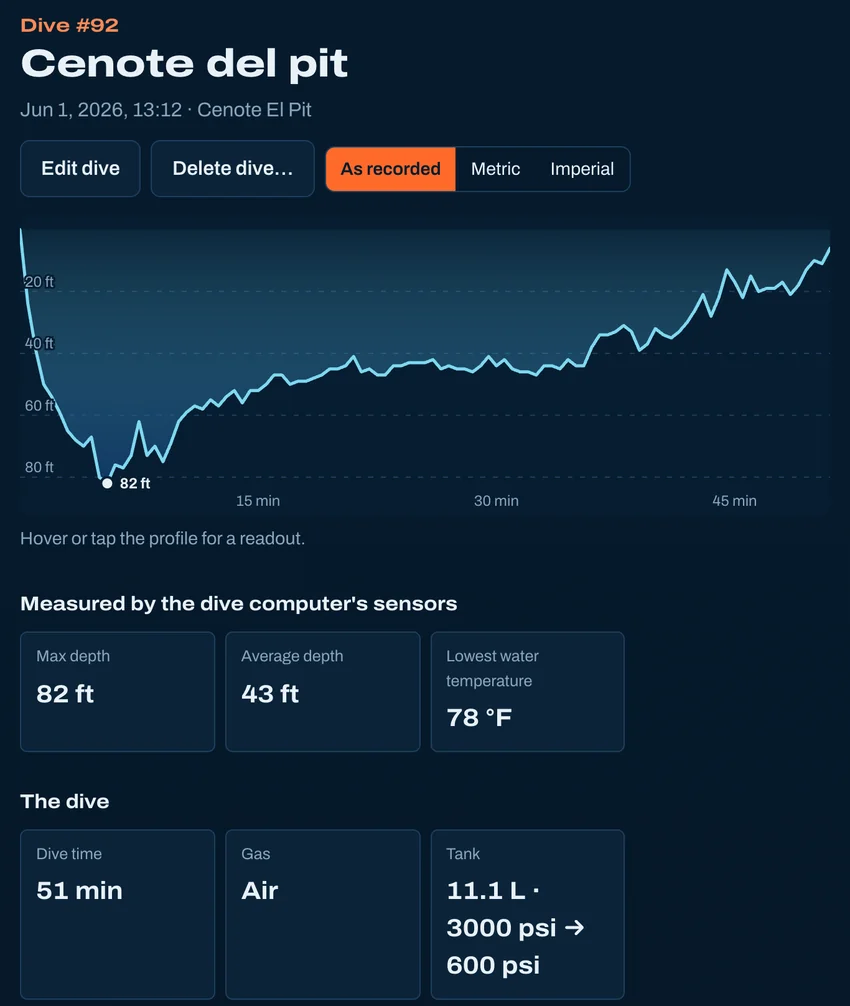
- A paper log has no depth profile, so a typed-in dive shows no profile, NDL or tissue loading.
Other ways to bring dives in
- From Subsurface
- From MacDive
- From a spreadsheet
- From UDDF
- From divelogs.de
- Straight from your dive computer
Moving from another logbook · Keep your dives in BubbleJournal, free