 BubbleJournal
Move your Subsurface logbook to BubbleJournal: every dive, on the web and your phone
Updated October 19, 2026
Subsurface reads almost every dive computer ever made, and so does your logbook once it is in BubbleJournal: one file brings in every dive Subsurface has, whichever computer it came from, to read on the web and on your phone.
How to move them
- In Subsurface on your computer, choose File, then Save as.
- Save the logbook as a Subsurface file (.ssrf). If you keep it in Subsurface cloud storage, this saves a copy on your computer.
- In BubbleJournal, open Import dives and choose the file.
BubbleJournal reads .ssrf and .xml files, many at once or as a zip, and keeps each exactly as uploaded.
What comes across
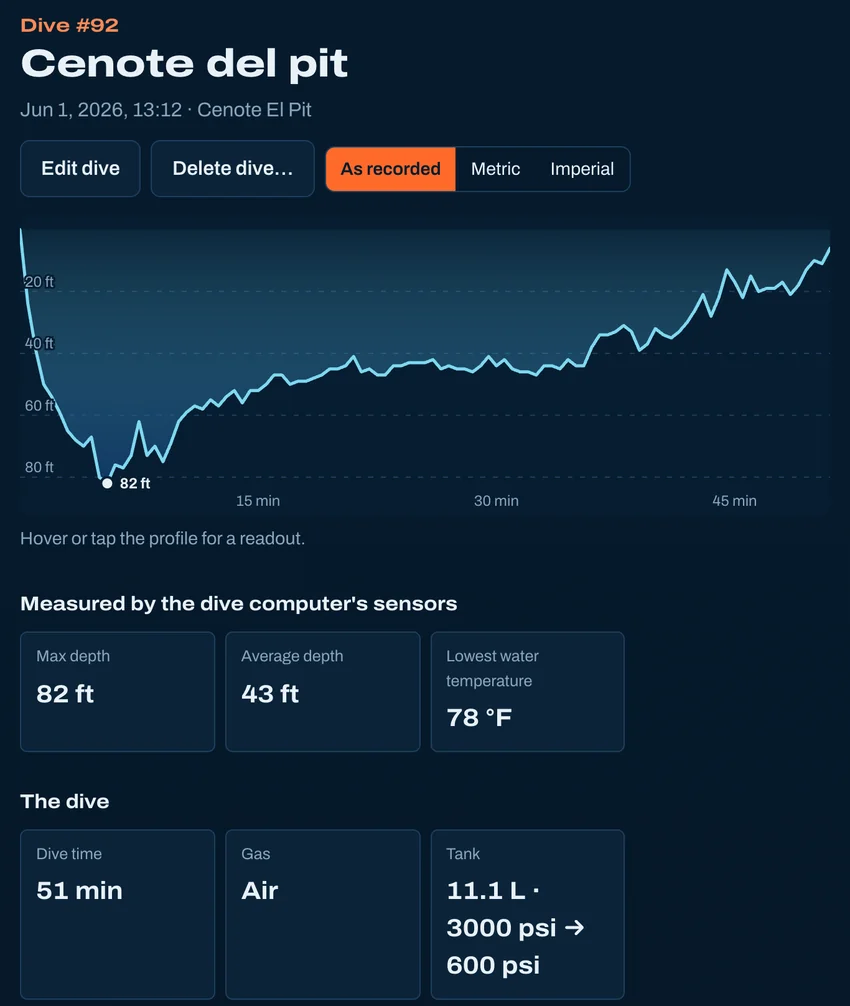
- Every dive, with its depth profile and water temperature
- Cylinders: size, gas and start and end pressures, so dives show their air consumption (SAC)
- Gas switches, and on a rebreather the setpoint and oxygen sensors
- The computer's own NDL, deco, time to surface and CNS
- Dive sites with their GPS position, trips, and your notes
- Which dive computer recorded each dive, and dives you entered by hand
What doesn't
- Buddy, divemaster, rating, visibility, suit, weights and tags stay in Subsurface for now.
- Photos: Subsurface links to files on your computer, which the logbook file does not carry.
- A dive recorded by two computers comes in with the first one only.
Other ways to bring dives in
- From MacDive
- From a spreadsheet
- From UDDF
- From divelogs.de
- From a paper logbook
- Straight from your dive computer
Moving from another logbook · Keep your dives in BubbleJournal, free